Scaling figures in R Markdown
R Markdown allows you to size images by setting the fig.width and fig.height parameters.
Up- or down-scaling is then done by setting out.width to the appropriate value.
In the case that all your document figures are the same size, its easy enough to just set these values once in the YAML header. However, for documents with multiple images sizes (full, half, and 1/3 sized figures), this gets tedious to keep figuring out the right chunk options to get the desired scaling.
To get consistent image scaling across all figure sizes in a document, chunk option hooks can be used. Before a chunk is read, the option hook will capture the chunk parameters and then apply a user-defined function which allows the modification of these option values.
Below we’ve made a option hook that (i) reads in the fig.width and fig.height values provided to the chunk and then (ii) calculates a new set of values for fig.width , fig.height, and out_width , which are based on a custom scale parameter.
This should be defined in the first chunk of the document.
#```{r setup, include=FALSE}
# Set chunk hook
# This will automatically adjust the figure parameters for you
knitr::opts_hooks$set(fig_scale = function(options) {

  # --- Store out_width
  # HTML and latex output require different units
  out_width <- switch(knitr::opts_knit$get("rmarkdown.pandoc.to"),
    # html requires pixels
    "html" = sprintf("%ipx", options[["fig.width"]] * options[["dpi"]]),
    # Latex requires inches
    "latex" = sprintf("%.fin", options[["fig.width"]])
  )

  # Calculate new fig width and height values
  fig_width <- options[["fig.width"]]/options[["scale"]]
  fig_height <- options[["fig.height"]]/options[["scale"]]

  # Store chunk options
  options$out.width = out_width
  options$fig.height = fig_height
  options$fig.width = fig_width
  # Return the modified options
  return(options)
})

# Set figure scaling hook for following chunks
knitr::opts_chunk$set(scale = 0.8, fig_scale = TRUE)
#```
For the following chunks, setting the chunk options to fig_out = 4 and scale = 0.8 will result in an output figure that is 4 inches wide, but the contents of the figure have been scaled down by a factor of 0.8.
This hook will automatically detect if the output format is latex or html and provide the appropriate units for out.width. In the case of html, out.width is calculated using the document’s dpi option.
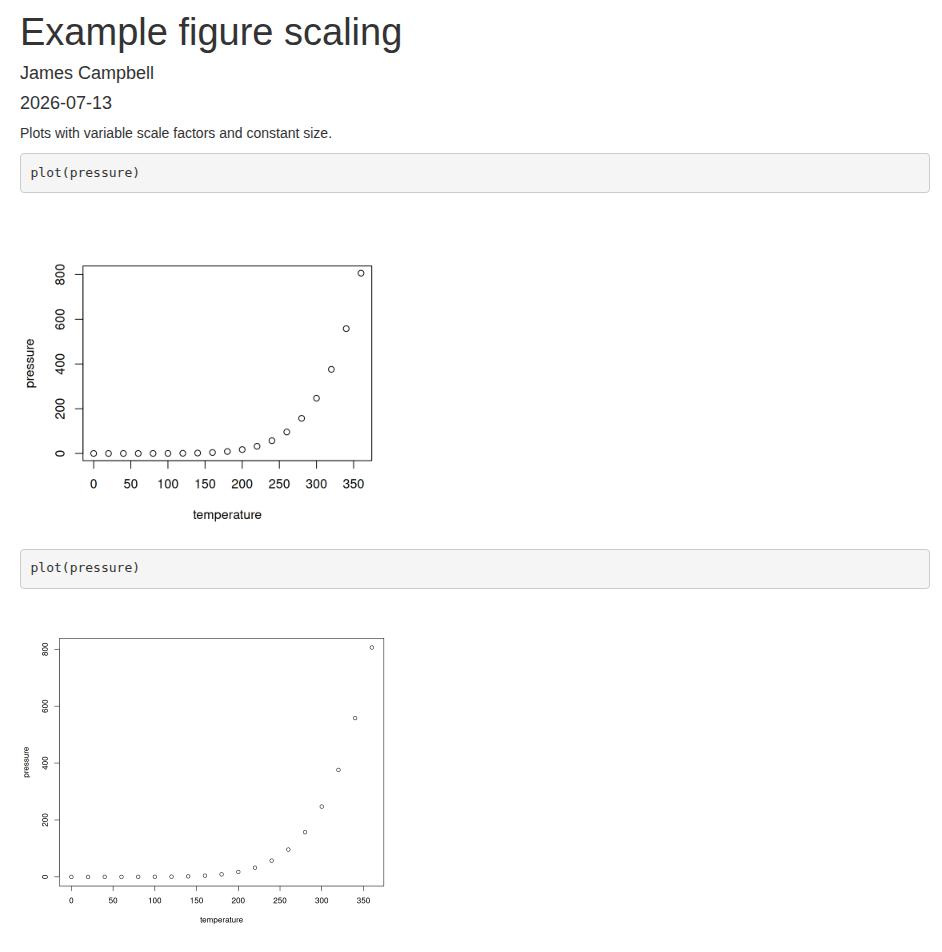
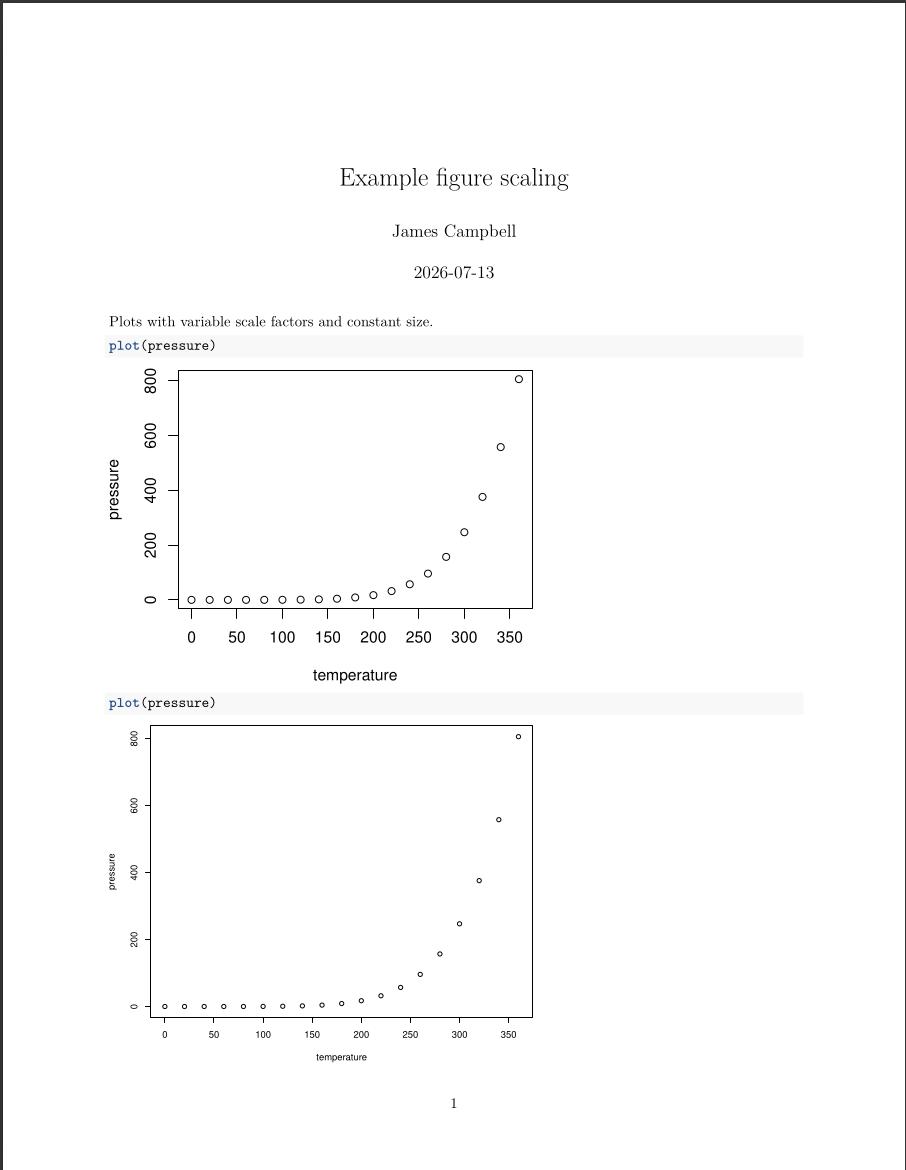
Below we’ve made some example chunks which make use of this scaling option. The first chunk uses the default scaling of 0.8, and the second uses the values of 0.5 which we set in the chunk header.
Plots with variable scale factors and constant size.

```{r, fig.width=2, fig.height=2}
plot(pressure)
```
```{r, fig.width=2, fig.height=2, scale = 0.5}
plot(pressure)
```
And here are the resulting html and pdf outputs, respectively.